

Last week I asked if you wanted my Claude Code video editing workflow. 102 of you voted. 91% said yes.
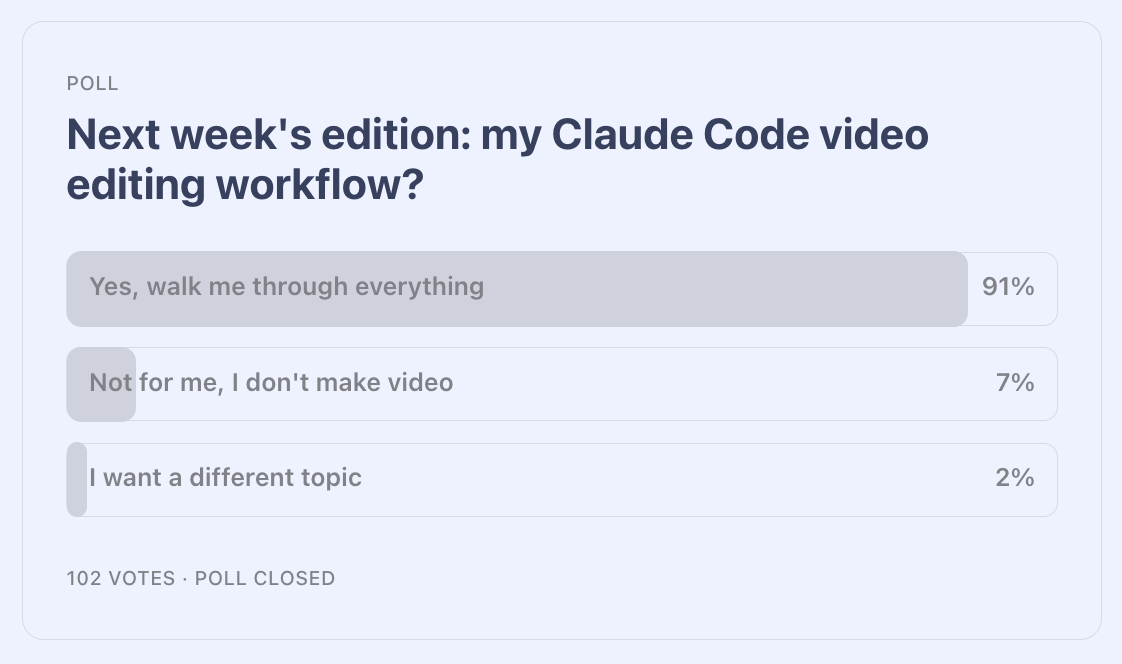
To the 9% who said no or wanted a different topic, sorry.
What do you want to see in next week's newsletter? Vote below. If it's not listed, reply to this email and tell me what you want featured instead.
For everyone else, here it is.
If you've been holding off on YouTube because editing is too much hassle, this is for you. The pipeline took my channel from zero to 3k subscribers and 350k+ views.
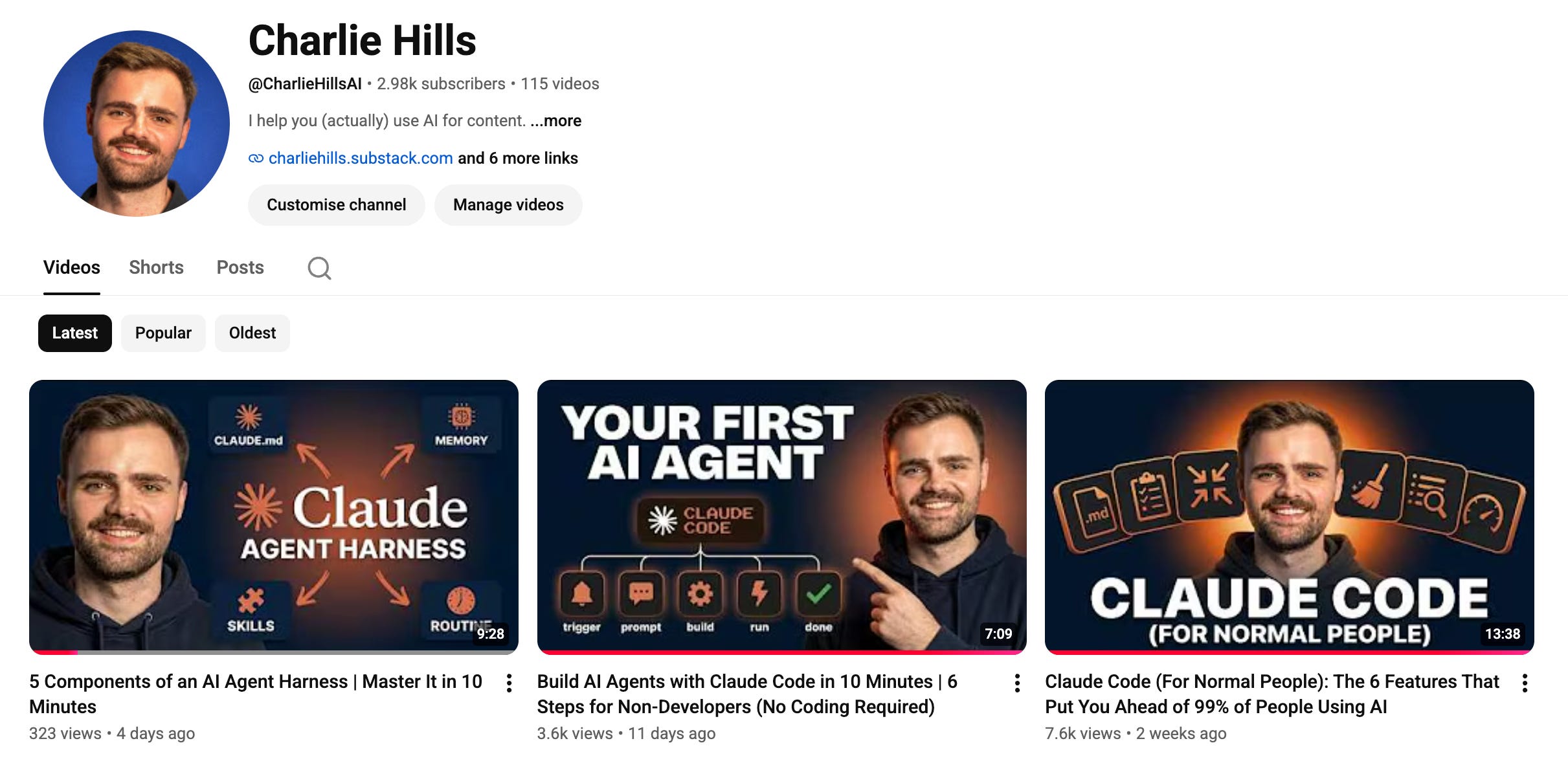
I’m not a full-time YouTuber. I record, hand the edit to Claude, and publish.
If editing is the thing stopping you from starting a channel, this removes it.
If you want to see this in action, I recorded a YouTube video walking through the whole pipeline end-to-end.
Today I’m giving you the entire setup.
Six steps:
Install the tool
Drop in your brand kit
Drop in the catalogue
Record and edit your video
Preview, then final render
Generate the thumbnail
Claude returns a finished YouTube video.
If you are new here, welcome. If you have been reading for a while, thank you. Your subscription is what keeps these issues going.
What HyperFrames is
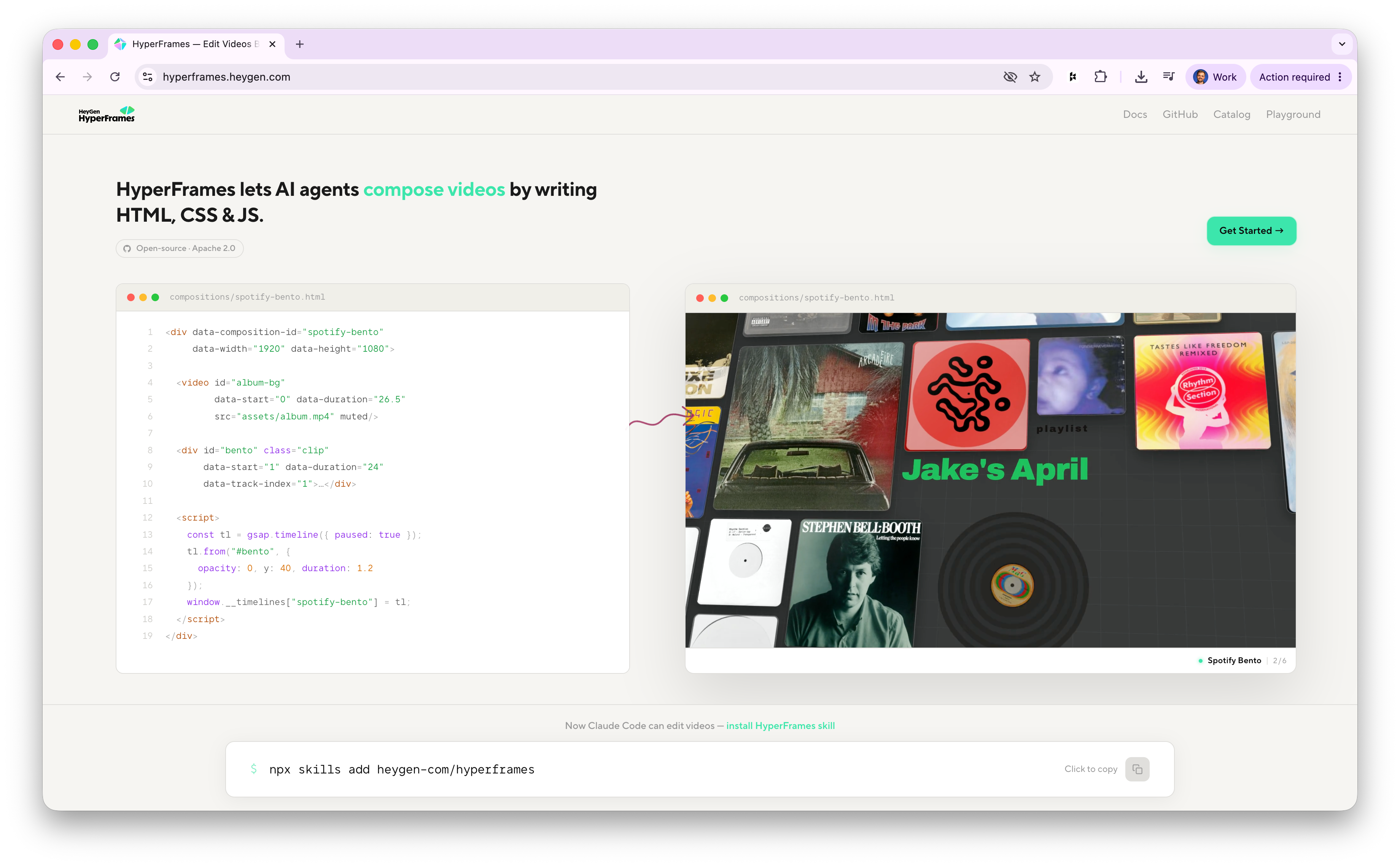
HyperFrames is HeyGen’s open framework for turning HTML into video.
You write the brief
Claude reads it and writes the HTML
HyperFrames renders the output as a video
Step one → Install the thing
If you haven’t installed Claude Code yet, it’s bloody simple. Just follow the setup instructions here and you’re good.
Once you’ve done that, type this command into the terminal:
npx skills add heygen-com/hyperframes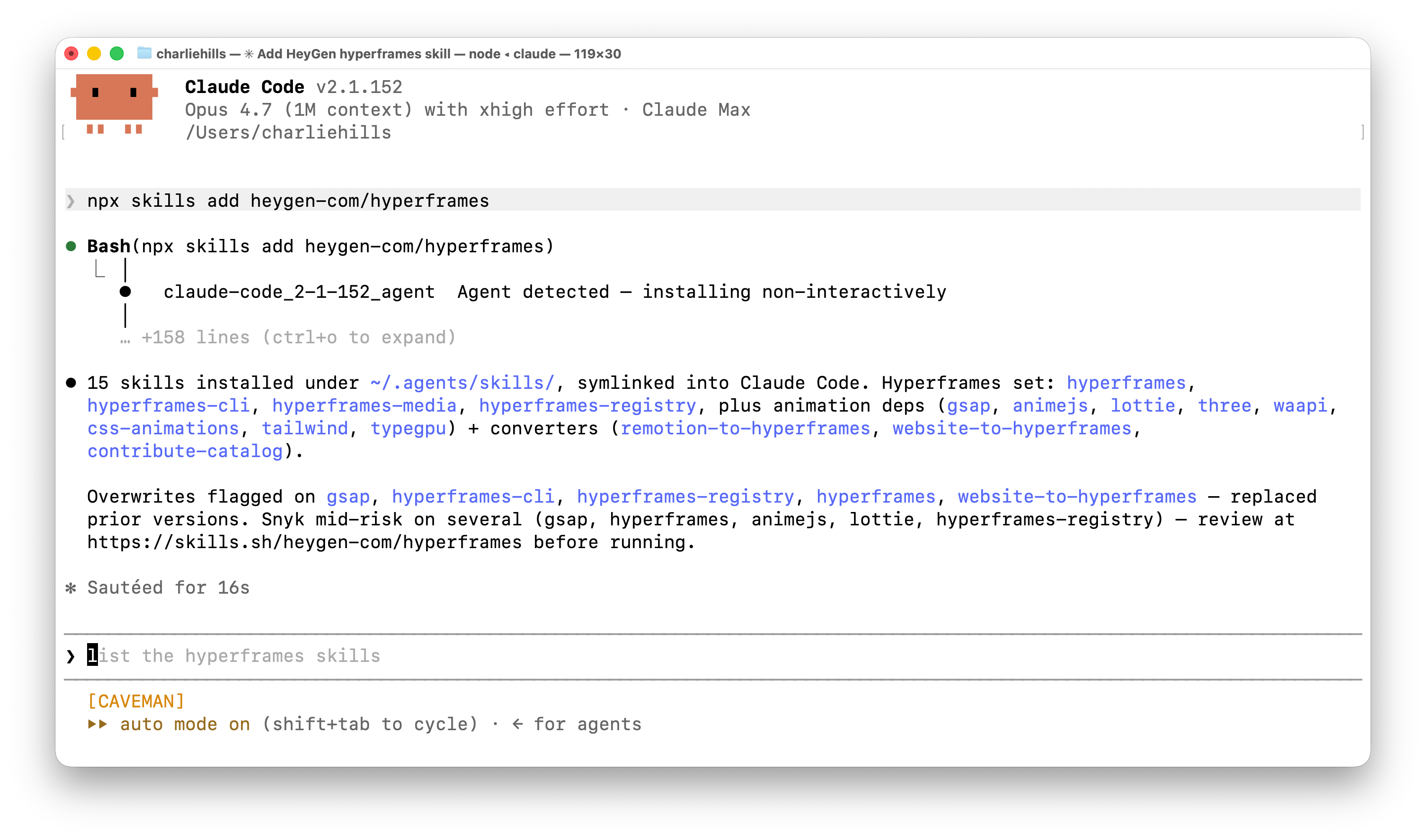
This pulls everything Claude needs to write HyperFrames compositions for you.
Now set up a home for your videos. Create a folder on your Desktop called youtube-project. This is where every HyperFrames video you build will live, so it’s worth setting up once.
Open the terminal and move into that folder:
cd ~/Desktop/youtube-projectThen create your first project. The name after init is what the sub-folder will be called, so swap my-video for whatever you want:
npx hyperframes init my-video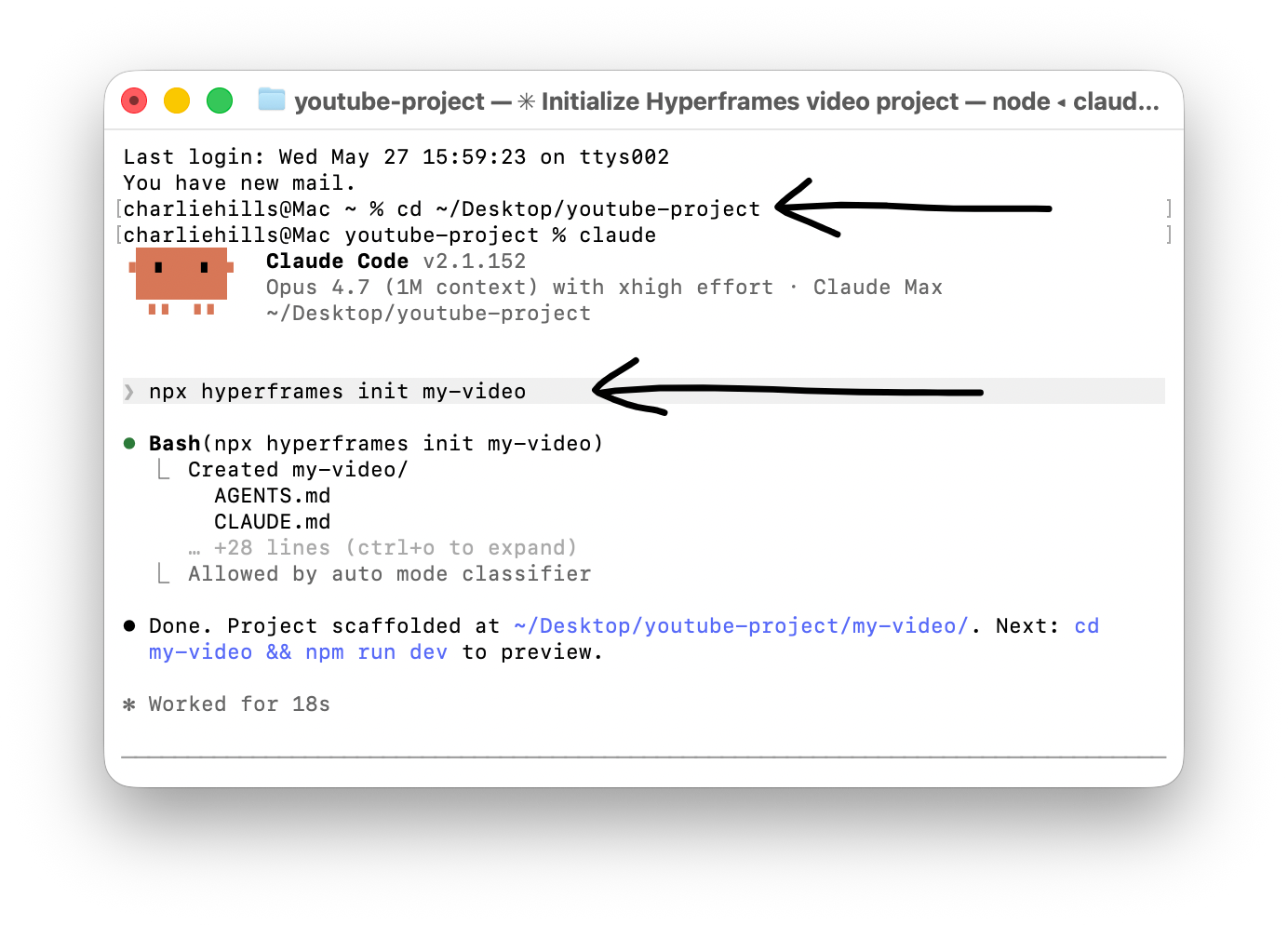
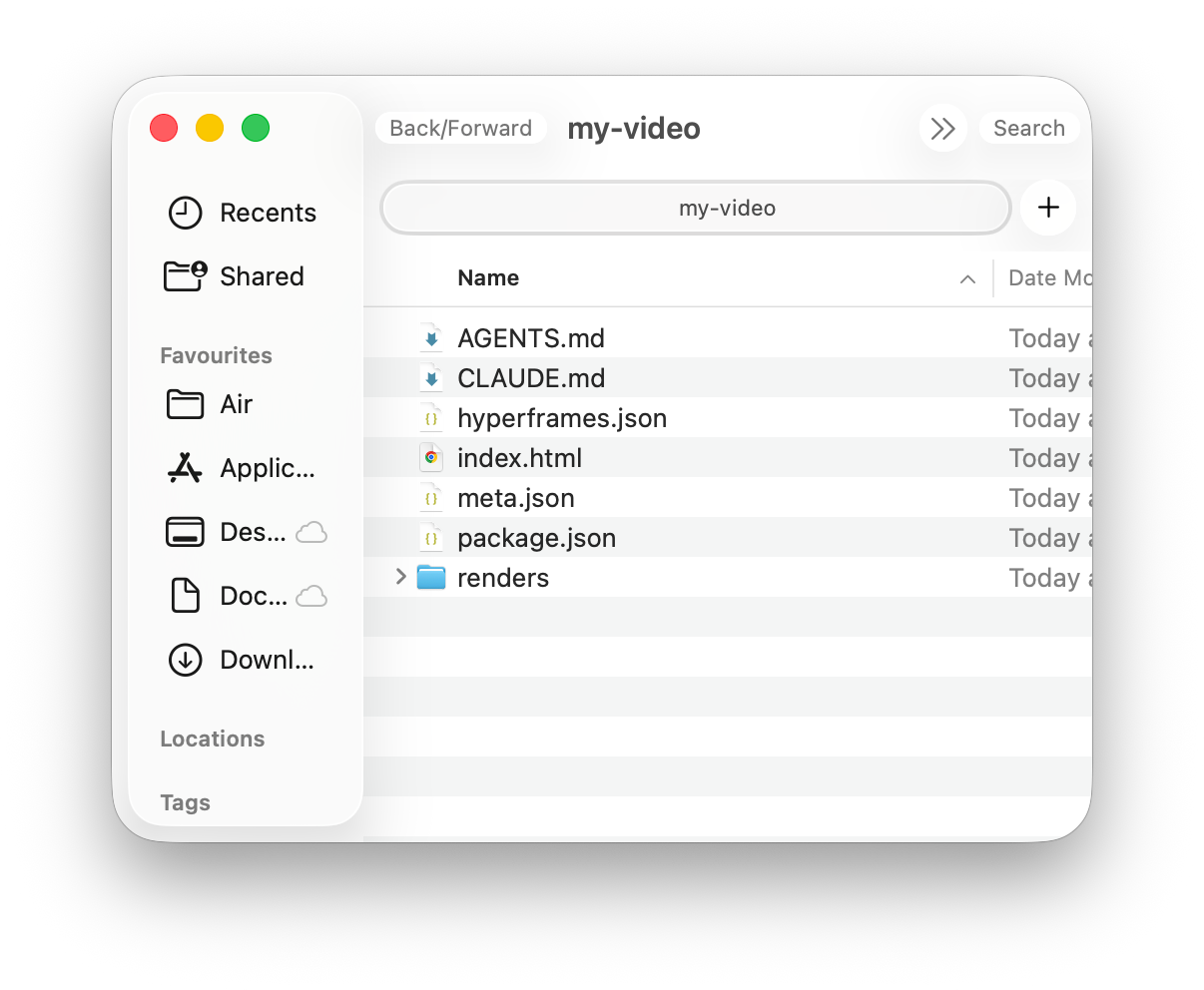
In 20 seconds you’ll have a starter folder.
Only two of them matter to you:
CLAUDE.md
AGENTS.md
These tell Claude how HyperFrames works before you give it a single prompt.
The other three are the project skeleton:
- A sample composition (index.html)
- A meta file (hyperframes.json and meta.json)
- A package script (package.json)
You’ve read the first two parts. The rest is in my archive.
Here’s what’s below:
Step two → Drop in your brand kit
Step three → Drop in the catalogue
Step four → Record and edit, then hand it over
Step four → Edit in the browser, then render
Step five → Generate the thumbnail
Ways we can work together
