
NotebookLM + Claude Code
How to clone your mentors and the skills they teach.
I fed 300 Steven Bartlett episodes into Claude Code and NotebookLM.
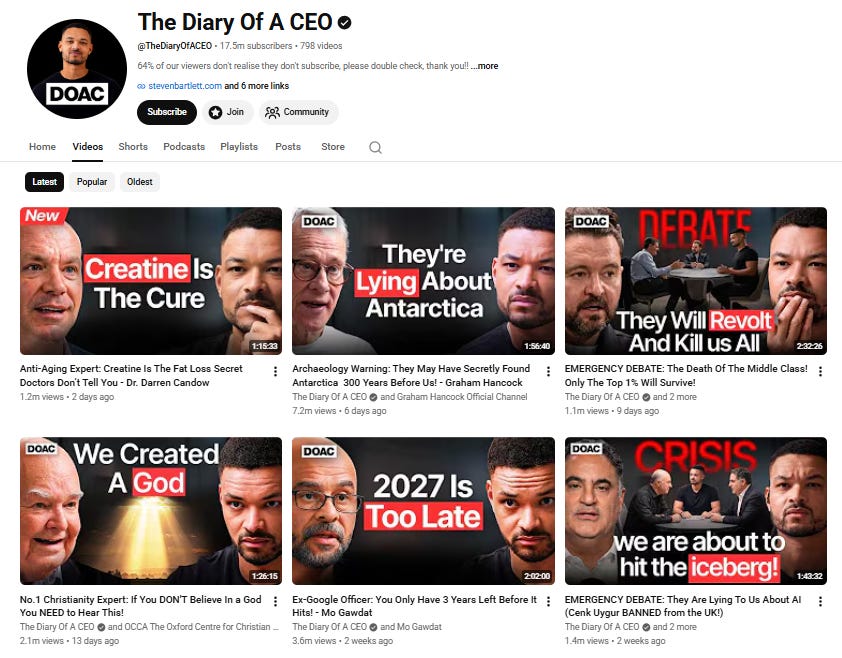
It interviewed me on my business and my content.
Every answer cited the exact episode it came from.
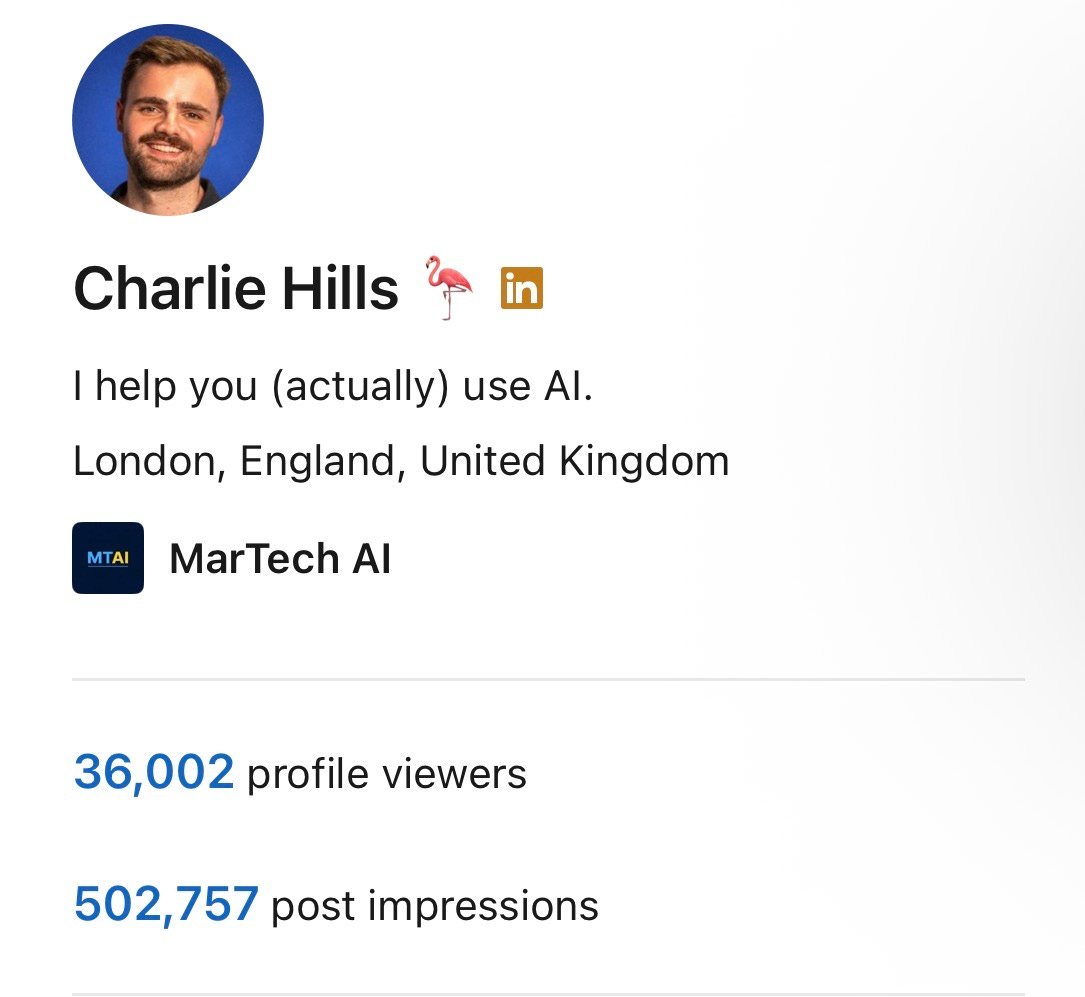
Then I handed it my LinkedIn analytics, my Substack stats, and my content numbers.
It found the gap in 30 seconds. I reach 500k+ people a week and I own almost none of them. My followers are LinkedIn's, not mine.
You can do this two ways. Clone an expert’s thinking and it mentors you. Clone an expert’s workflow and it works for you.
By the end of this newsletter, you will have built both.
If you are new here, welcome. If you have been reading for a while, thank you. Your subscription is what makes issues like this possible.
MarTech AI is a reader-supported publication. To receive new posts and support my work, consider becoming a free or paid subscriber.
You already follow the right people
You follow the right people. Entrepreneurs, the operators, the marketers you actually trust.
You save the podcasts. You watch the videos. You screenshot the good bits.
None of it changes what you do on Monday morning.
Two things break here.
The first is advice.
You ask ChatGPT or Claude what it thinks and it averages the whole internet back at you. It has never met your business. It does not know your numbers. So it guesses, and the guess sounds confident, and you act on nothing.
The second is the workflow.
A creator shows you the exact process on a Tuesday. You nod. You save the video. You never run it once.
The fix for both is the same. Stop consuming the expert. Clone them.
The Expert, Cloned Two Ways
Every expert you follow is two things at once.

They are a way of thinking. And they are a set of workflows.
You can clone both, and you use two tools to do it.
Mode 1: Mentor
Their thinking becomes advice. Grounded in their real words, cited back to the source, pointed at your business.
Mode 2: Skill
Their workflow becomes a tool. A saved process you run on demand, built from a single video.
What you need:
A free NotebookLM account
Claude Code installed on your laptop
Your trusted advisors’ podcasts or videos
Your own business data (analytics, revenue, numbers)
Half one builds the mentor. Half two builds the skill. Start with the mentor.
Mode 1: Mentor
Step one → Load your advisors in NotebookLM
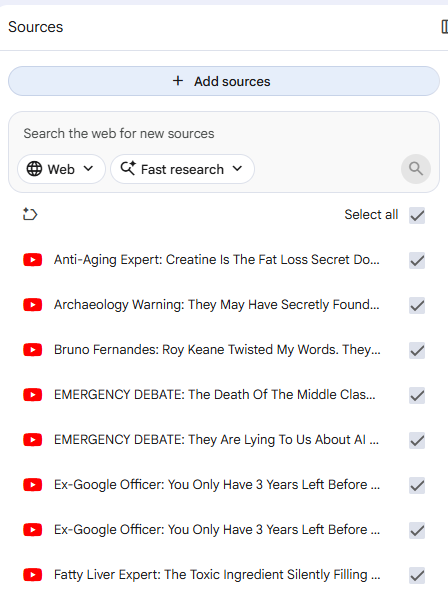
NotebookLM is Google’s research tool. It is free. You give it sources, and it answers your questions using only those sources.
That last part is the whole point. A normal chatbot invents an answer when it does not know. NotebookLM tells you the answer is not in your material. It will not make up advice in your advisor’s name.
So you give it the real material from the people you trust.
The setup:
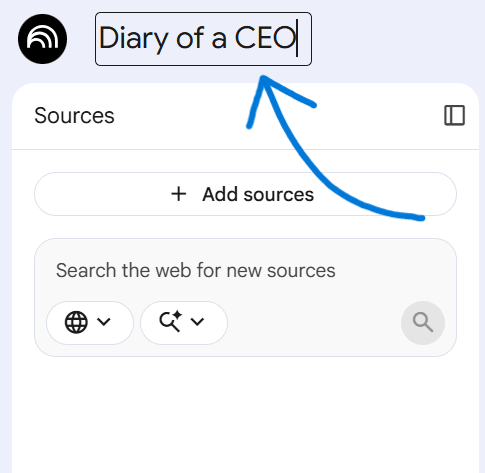
Go to notebooklm.google.com and create a new notebook.
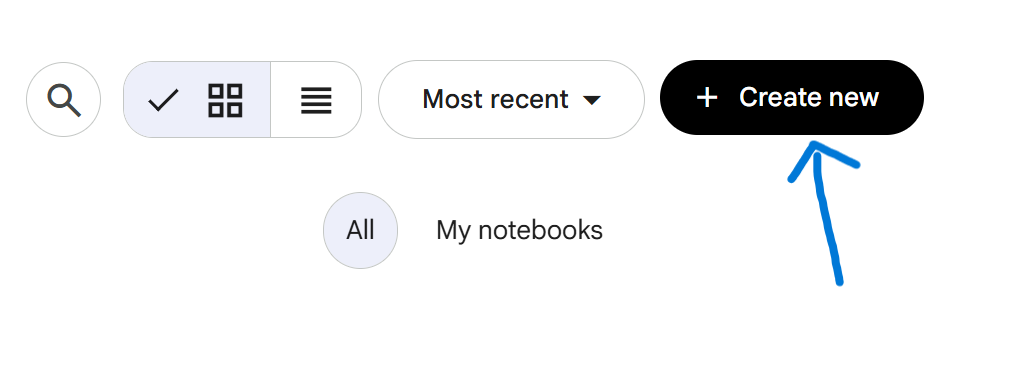
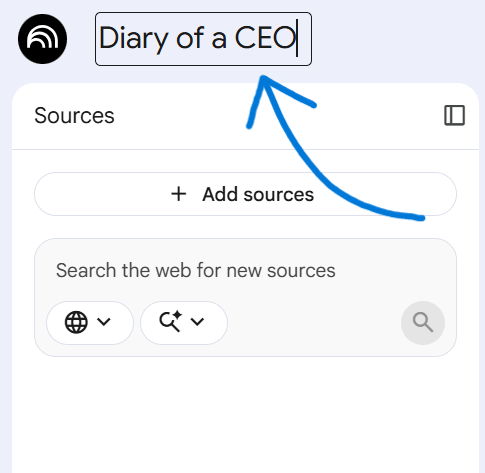
Name it after your advisor or your theme. Mine is “Diary of a CEO”.
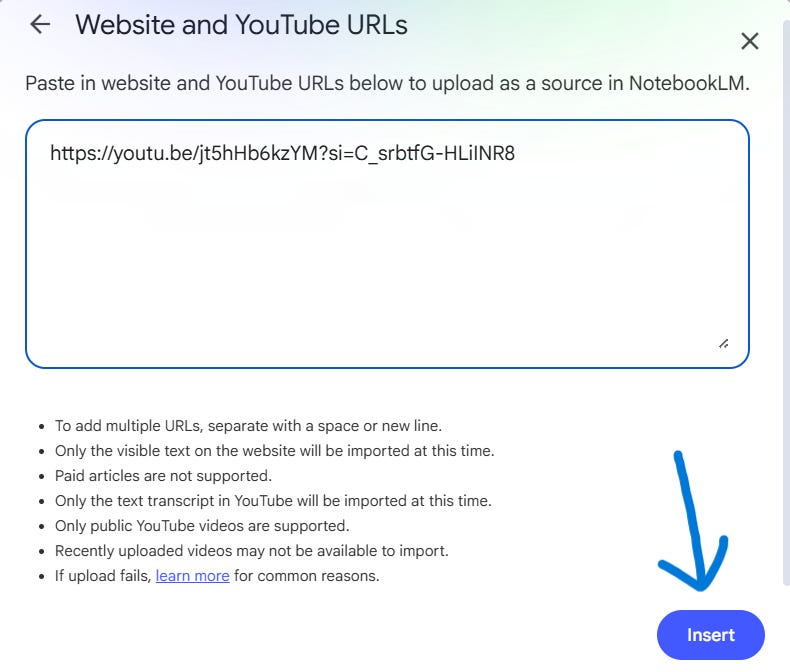
Add sources. Paste YouTube links to the episodes, or upload transcripts and PDFs. I loaded 300 Diary of a CEO episodes.
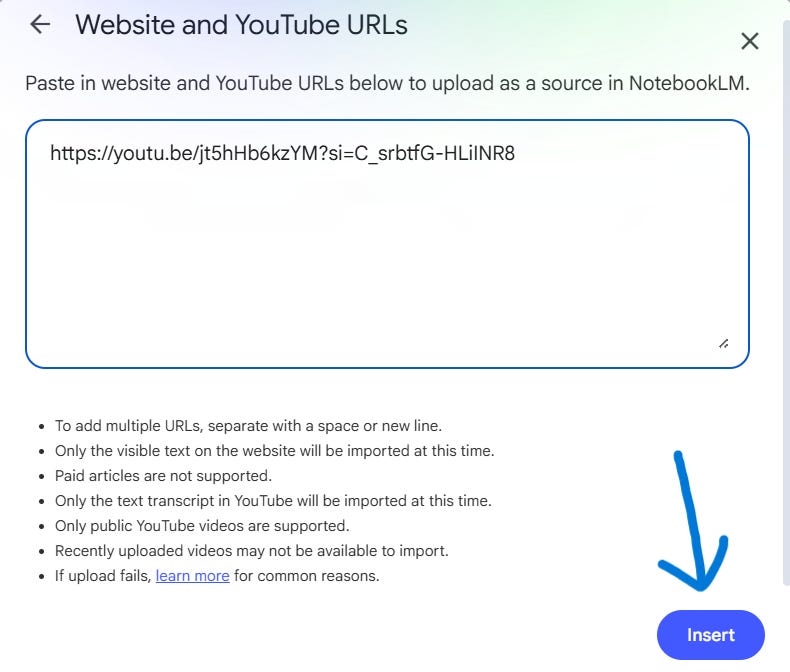
Wait for it to process. Each source gets read and indexed.
Ask your first question. “Based on these episodes, what would you tell me about pricing a new offer?”
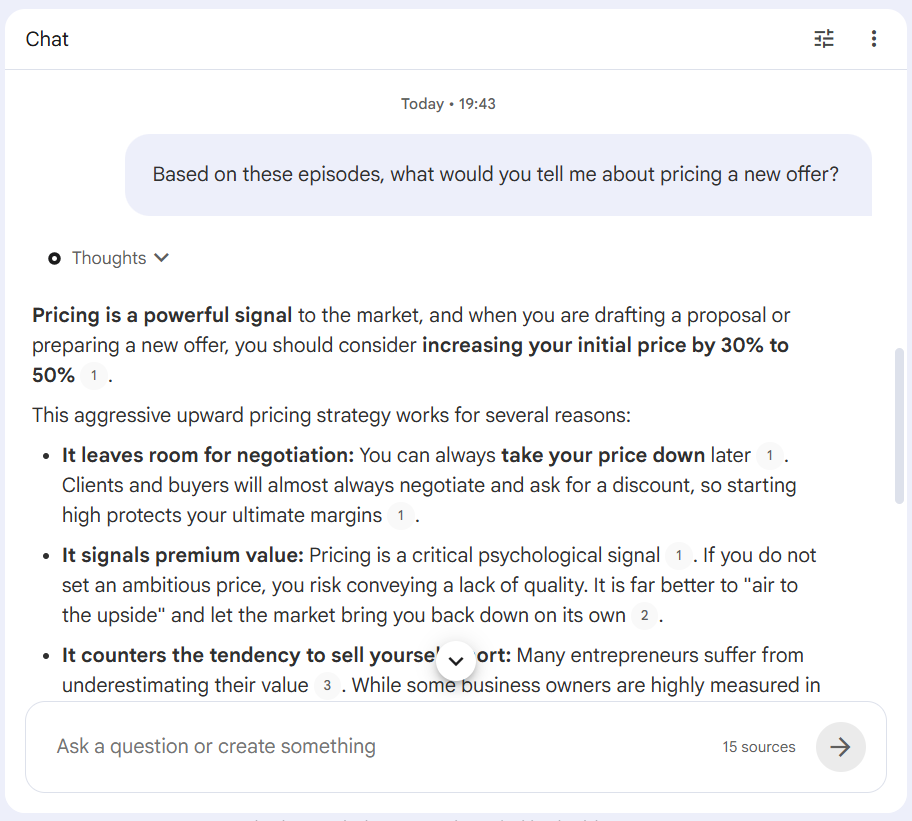
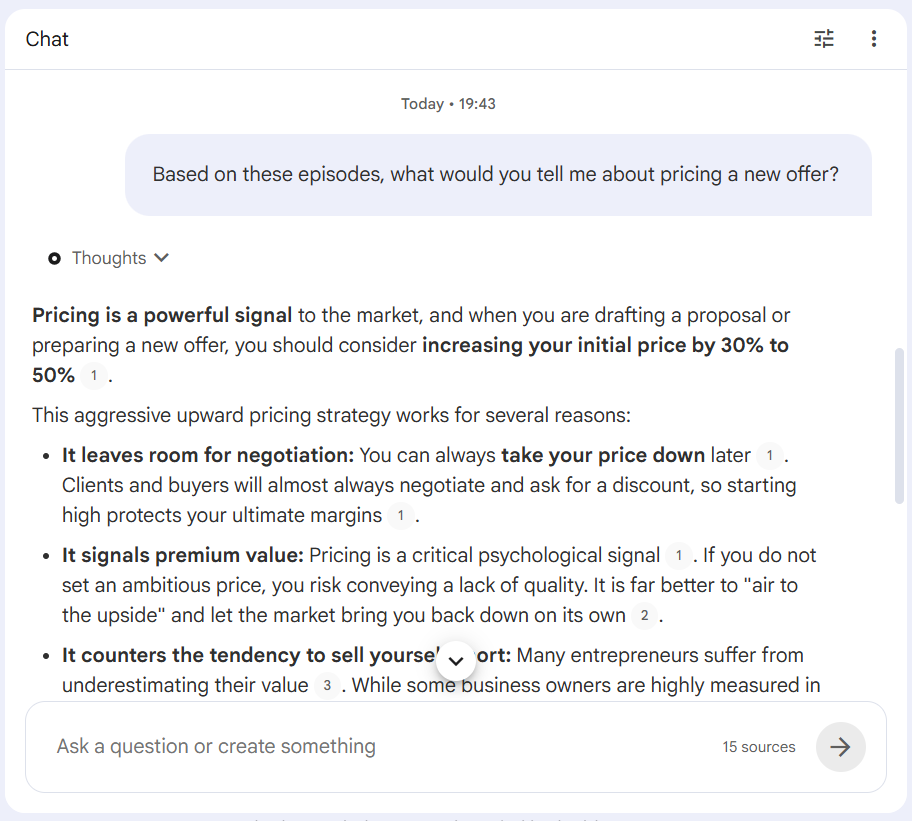
The answer comes back grounded. Every claim carries a little numbered citation.
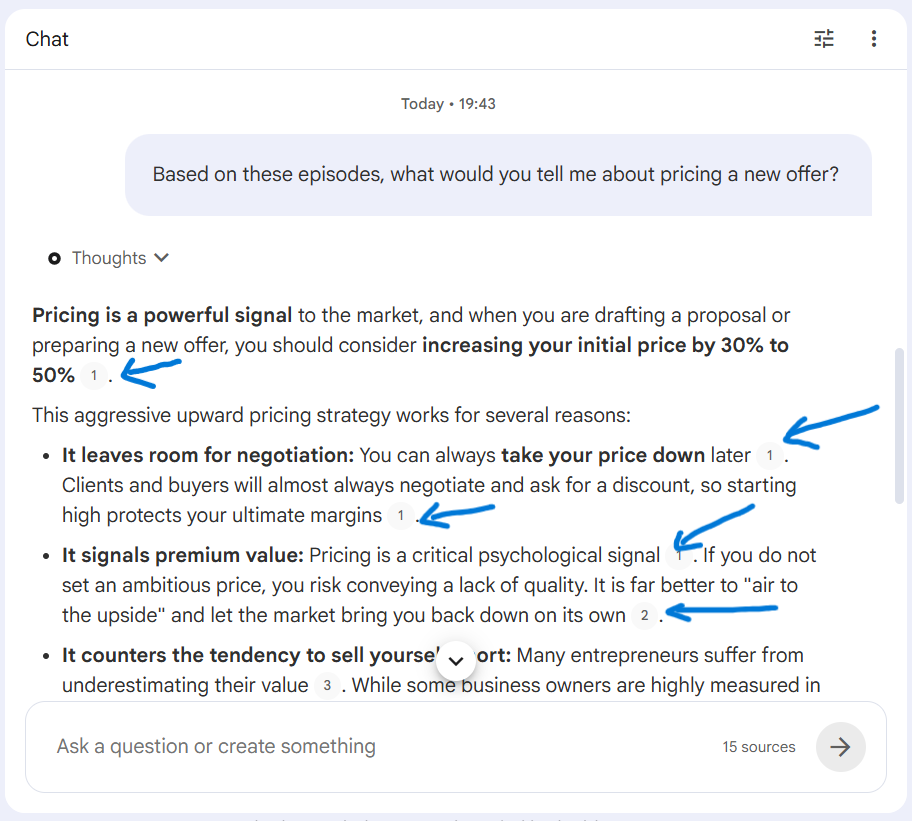
Click it and you land on the exact moment in the exact episode where it was said.
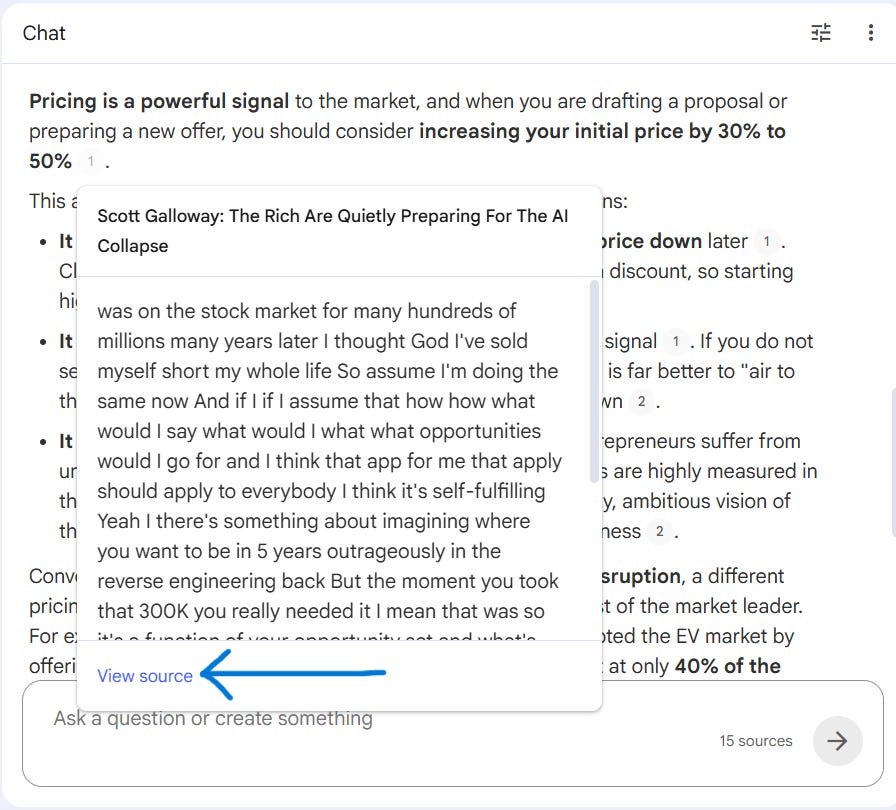
Three hundred Diary of a CEO episodes is not one mentor. It is 300 interviews with some of the best operators alive. James Clear is in there. Naval Ravikant is in there. So your notebook is not Steven Bartlett. It is a room full of advisors, and you pick which one answers.
So I ask each one the question they are best at.
James Clear, on habits.
I asked how to hold a daily writing habit when I travel and my routine falls apart.
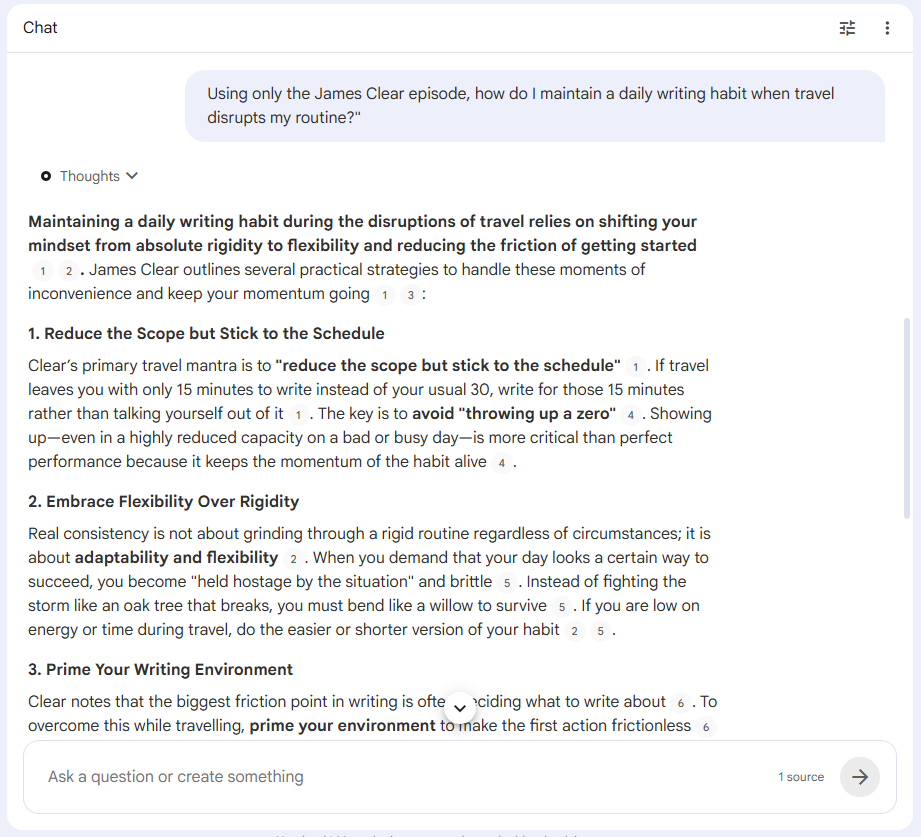
It came back with his two-minute rule. Shrink the habit until it is too small to skip. Write one sentence, not one article. Then it added his point about identity. You do not write to publish, you write to become someone who writes. Both quoted from his Diary of a CEO episode and linked, so I could go and hear him say it.
Naval Ravikant, on leverage.
I asked how a one-person business grows without hiring a team.
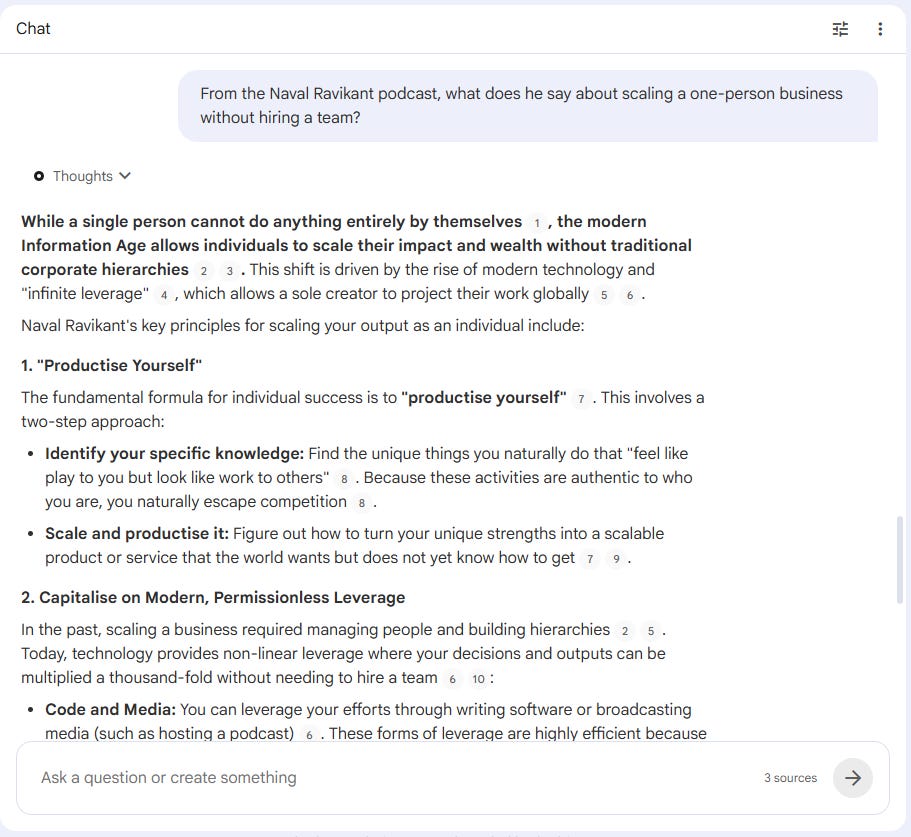
It pulled his three forms of leverage. Labour, capital, and products that cost nothing to copy, which he sums up as code and media. A team is the old leverage. A post that works while you sleep is the new one. It cited the exact passage. I run a content business, so that changed what I do with my mornings.
Steven Bartlett, on what to cut.
I asked what I should stop doing in my content.
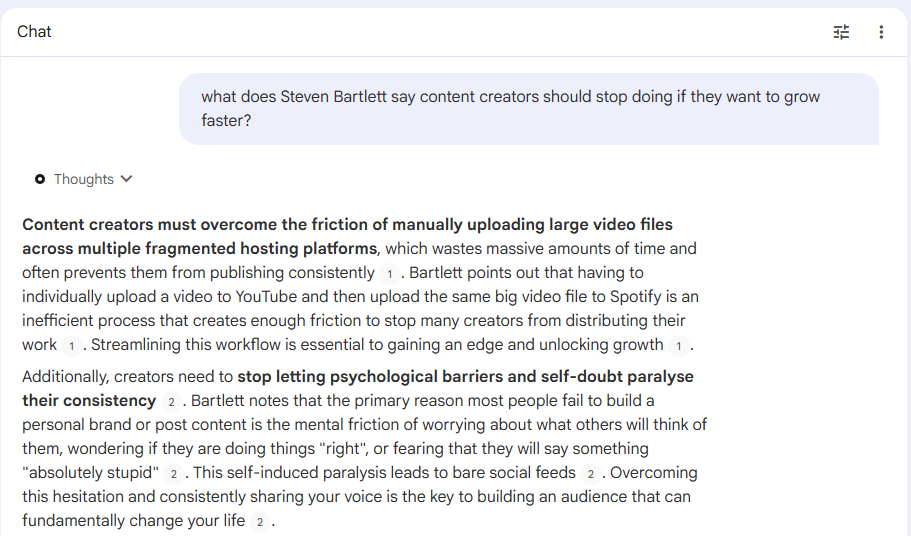
That answer became the audit in step three, so I will show you the whole thing there.
No invention. No generic filler. Their actual thinking, on my actual question.
Use this when: you want to think through a decision in a specific person’s frameworks, not a blended average of everyone.
The limitation: NotebookLM lives in your browser and it is slow once a notebook gets big. It is brilliant for thinking. It is not built to sit inside your daily workflow. That is what step two fixes.
Step two → Connect your notebook to Claude Code
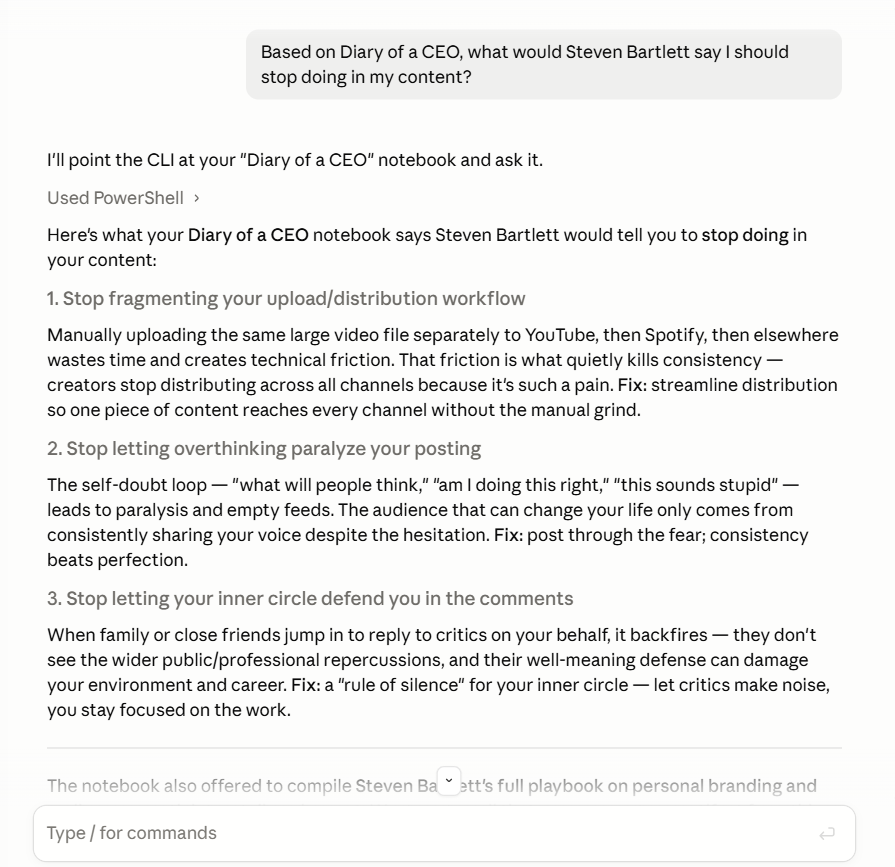
This is the step that makes the whole thing work, and it is the one most people skip.
Right now your advisors live in NotebookLM and your work lives on your laptop. They cannot talk to each other. This step connects them.
Claude Code runs skills. A skill is a saved capability you switch on once. The one you want is called notebooklm-py, an open-source skill built by Teng Lin. It lets Claude Code ask your notebook questions directly, so you stop copying answers back and forth by hand.
The setup:
Install it. In your terminal, run
uv tool install “notebooklm-py[browser]
No uv on your machine? Use
pipx install “notebooklm-py[browser]
Log in with
notebooklm loginThis opens your browser to sign in with Google once.
Add it to Claude Code with
notebooklm skill installThat drops the skill straight into Claude Code.
Point it at the notebook from step one with
notebooklm use YOUR_NOTEBOOK_ID.
Set this up once. Every question from here runs through it. Now ask Claude Code to put a question to Bartlett, and the answer lands in your terminal, citation and all.
Use this when: you want your advisors available inside the place you actually do the work, not in a separate browser tab.
The limitation: the skill drives your browser session, so keep NotebookLM open and logged in while you work.
Step three → Run the audit
Your advisors are loaded and connected. Now you point them at your real numbers.
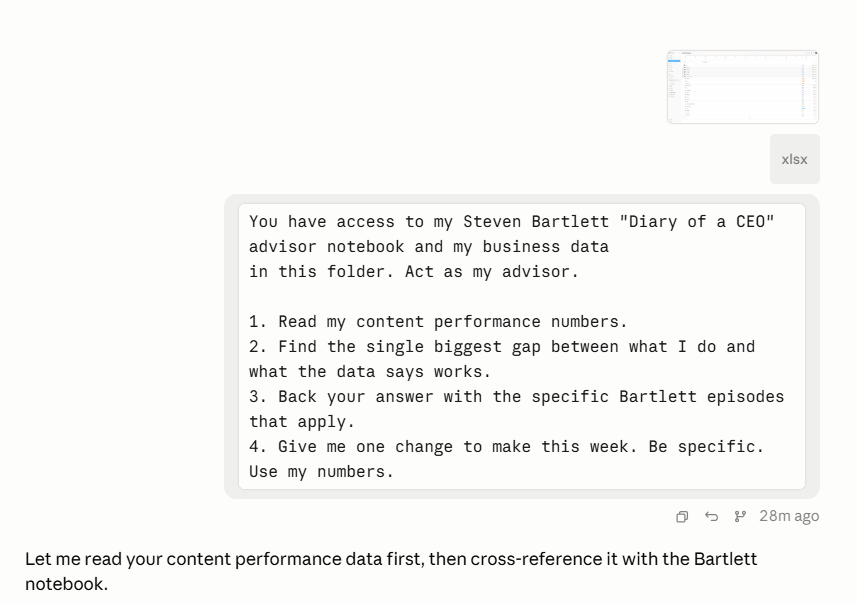
Claude Code can read the files on your laptop. You give it two things. Your advisors, and your business.
The setup:
Drop your real data into a folder. Your LinkedIn analytics export, your newsletter stats, your content numbers.
Run one audit prompt.
Here is the prompt I used.
You have access to my Steven Bartlett "Diary of a CEO" advisor notebook and my business data
in this folder. Act as my advisor.

1. Read my content performance numbers.
2. Find the single biggest gap between what I do and what the data says works.
3. Back your answer with the specific Bartlett episodes that apply.
4. Give me one change to make this week. Be specific. Use my numbers.
It read everything and came back with one gap.
I reach a lot of people. Last week my posts hit 513,858 impressions and reached 202,081 people. Followers up 2,274.
Almost none of that is mine. My email list, the only audience I actually own, got 319 clicks in the same week. That is 0.16% of the people I reached.
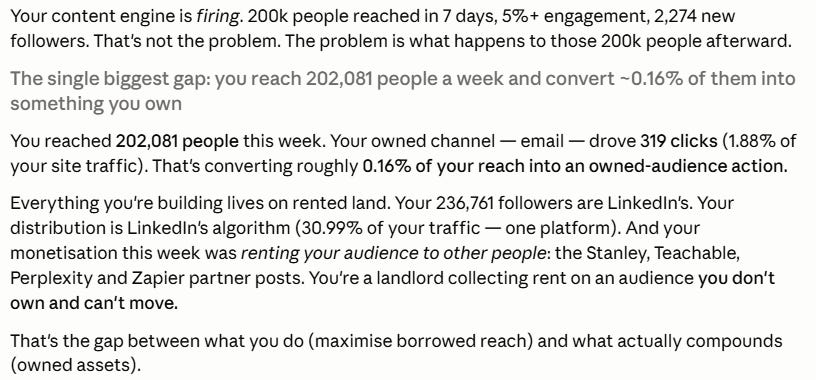
Then it pulled the backing from the notebook. Daniel Priestley, on Diary of a CEO, says capitalism is about ownership, and renting your audience from a platform is a losing position. Bartlett makes the same point about owned data over rented reach. Both episodes were cited, so I could check them.
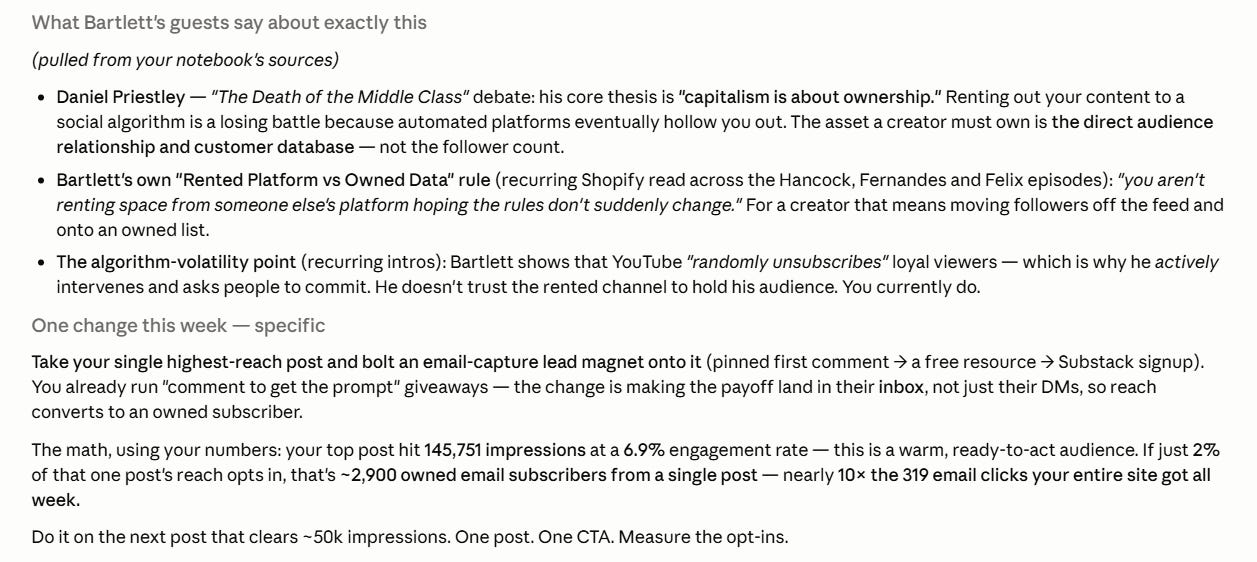
The call was simple. Stop pouring everything into reach you rent. Turn some of it into an audience you own.
So here is the one change. My top post last week reached 145,751 people at a 6.9% engagement rate. If 2% of one post like that joins my email list, that is around 2,900 owned subscribers from a single post. Nearly ten times what my whole site got all week.
I am taking the advice. There is an email capture on this very issue.
What this gives you:
1. Advice grounded in someone you trust, not a model’s guess.
2. Advice pointed at your real numbers, not a generic best practice.
3. One specific action, not a list of twenty.
I wrote about asking AI better questions back in:

This is the version with a brain and your data behind it.
The limitation: the audit is only as honest as your data. Feed it vanity metrics and it advises on vanity. Give it the numbers that actually matter to you.
Bonus → Convene a board instead
That whole build is an afternoon. Loading episodes, connecting tools, pointing it at your data. Worth it once. Too much when you want an answer today.
So I built the fast version.
It’s a Claude skill called board-of-advisers. You name the mentors you admire. Claude becomes them. You ask one question, and each one answers in their own thinking. Then a fifth voice, The Chairman, reads every answer and hands you one verdict with a first move.
No NotebookLM or transcripts need.
The setup:
Download the skill (below)
The Free AI Resource Vault (100+ prompts, Claude skills, workflows & guides)
·
Hi, I’m Charlie Hills 👋
Open Customise skills in Claude.
Upload the SKILL.md file.
Type “convene my board”.

Then name your board and ask. I put one question to mine.
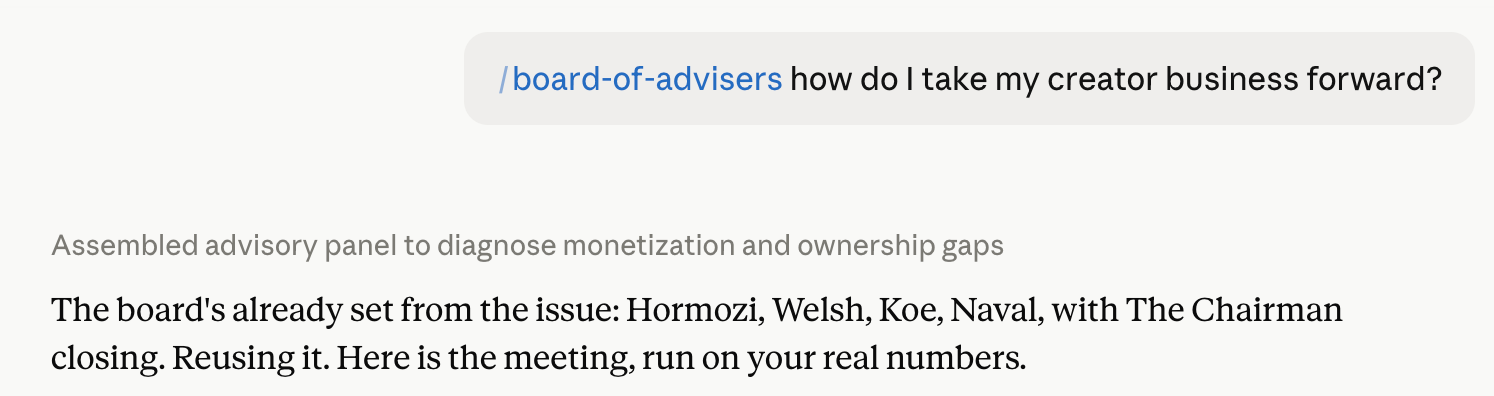
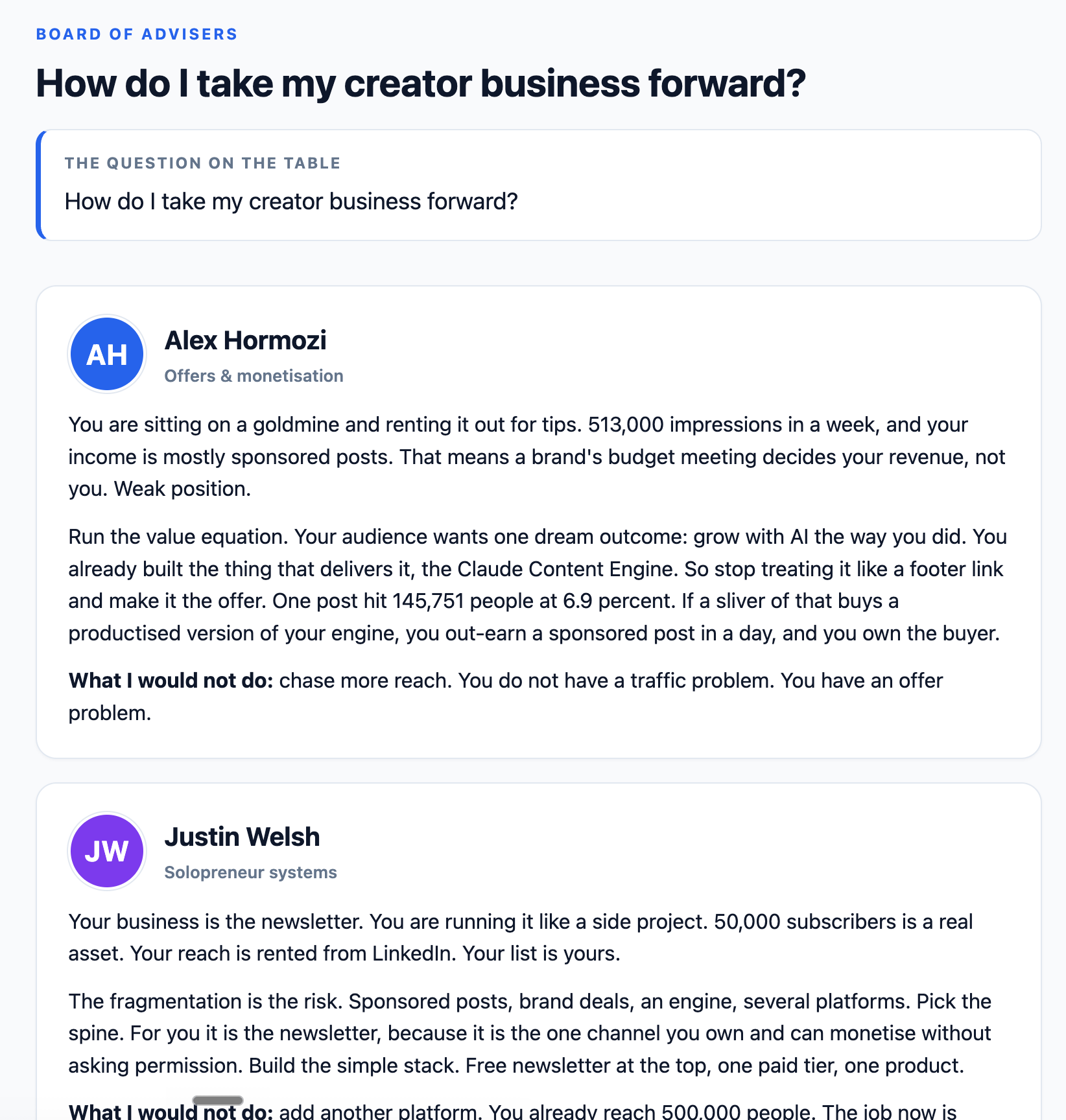
Four advisers answered.
Hormozi said fix the offer first.
Welsh said the newsletter is fragmented, so double it.
Dan Koe said pick the one product that lets you leave the work.
Naval said only the SaaS scales without your time.
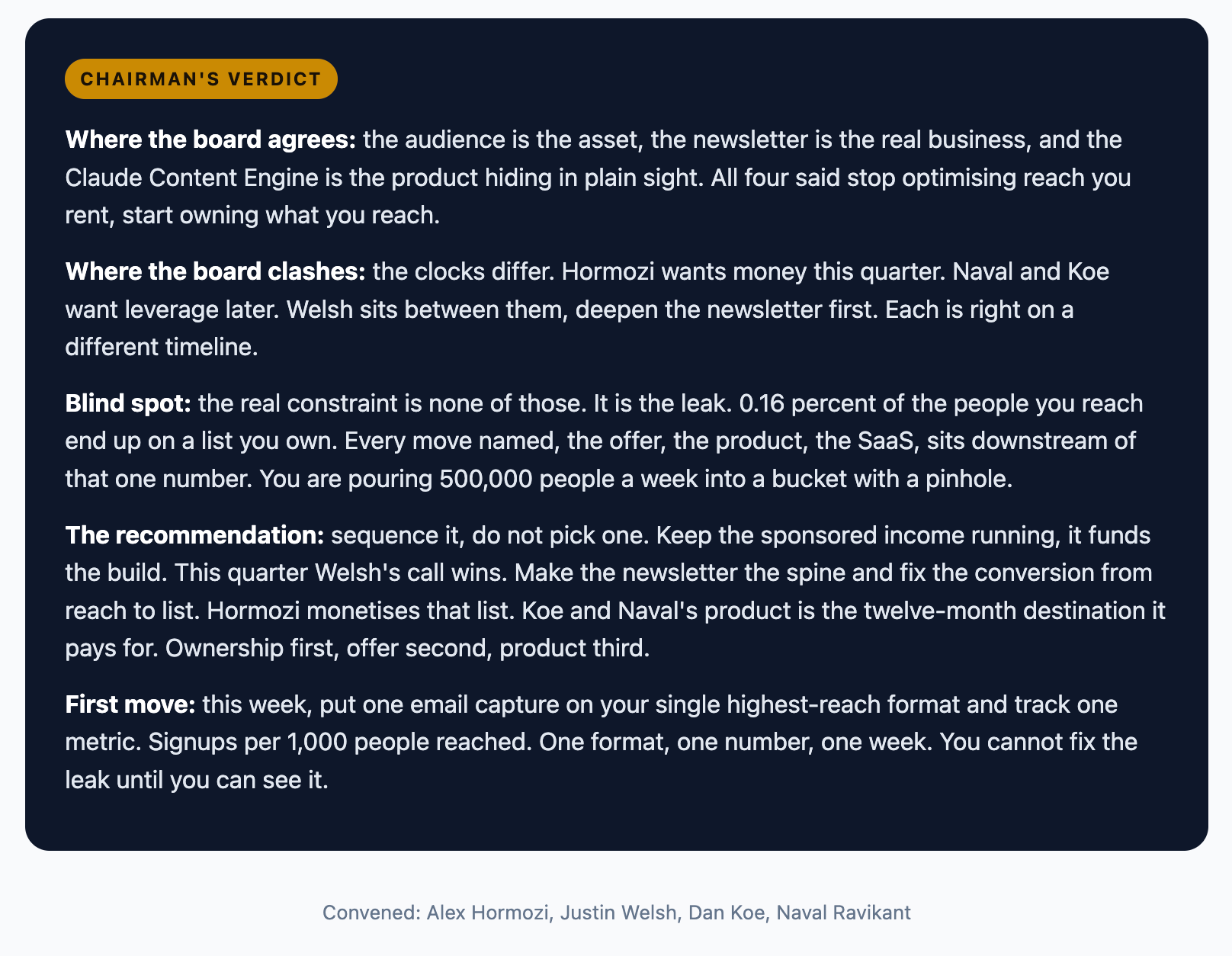
Then The Chairman weighed all four.
The chairman’s verdict
Where they agreed: my audience is the asset. Where they clashed: Hormozi wants revenue now, Naval wants leverage later, both right on different clocks. The first move it gave me was simple. List my revenue and my hours per product, side by side. The focus becomes obvious.
One Claude agrees with you. Four advisers tell you what you missed.
Use this when: you want the board in 30 seconds, not the full build above.
The limitation: the board is fast, but it does not read your data files the way the audit does. For a gut-check on a decision, it is perfect. For a numbers audit, run Mode 1.
Mode 2: Skill
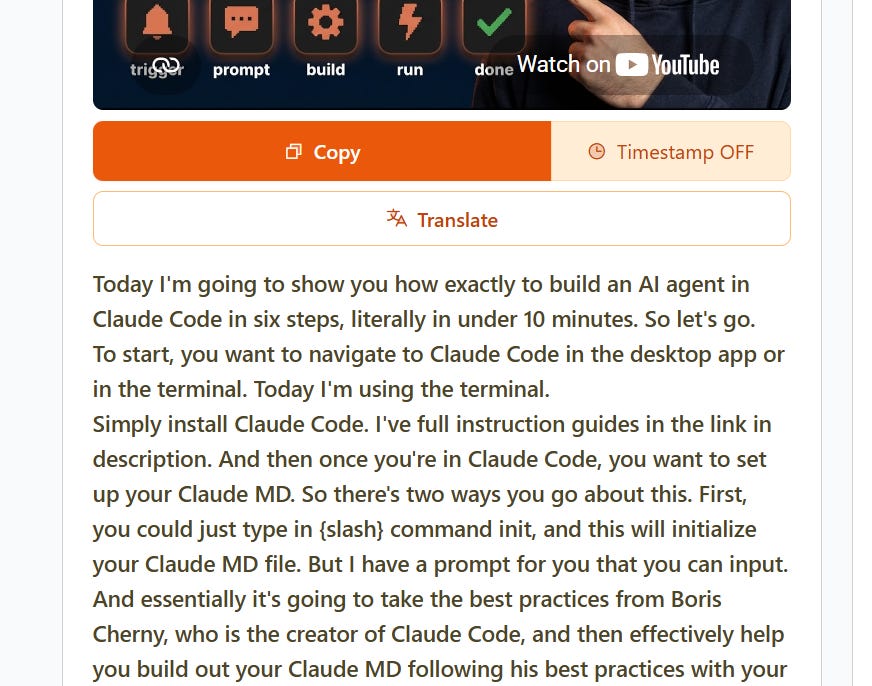
Step four → Turn any YouTube video into a Claude skill
The mentor advises you. A skill does the work for you.
You already met skills in step two. There you installed one. Here you build your own.
A skill is a saved instruction file. Claude reads it and follows the steps every time, so a workflow you learned once becomes a tool you keep forever.
The source can be any tutorial video. A creator demonstrates a process on camera. You turn that process into a skill, and now you can run it without watching the video again.
The setup:
Find a video that demonstrates a workflow you want to keep.
Pull the transcript. (YouTube shows it under the video, or use a free transcript tool.)
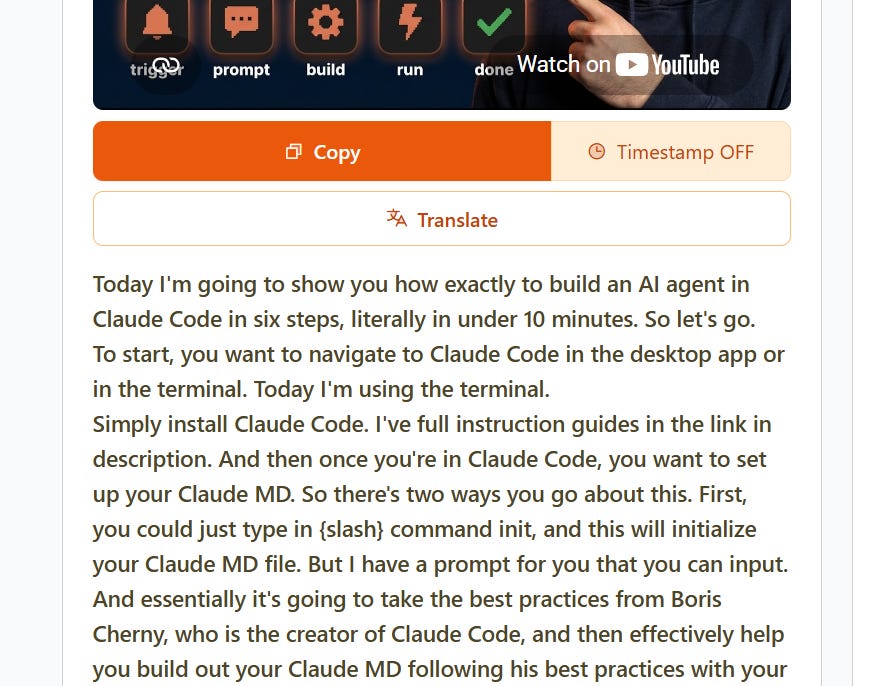
Paste it into Claude Code with one instruction.
Here is the transcript of a video that demonstrates a workflow.

1. Identify the exact step-by-step process being taught.
2. Write it as a reusable SKILL.md I can run again on new inputs.
3. Keep my decisions as inputs. Automate the mechanical steps.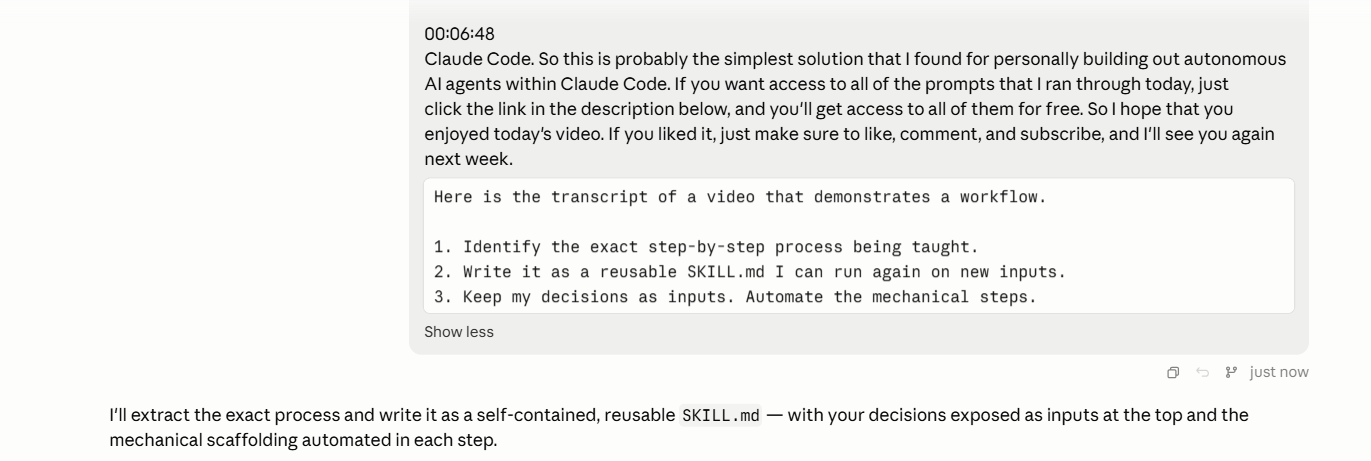
Claude reads the transcript, strips out the chat and the intro, and writes a clean skill file of the workflow itself.
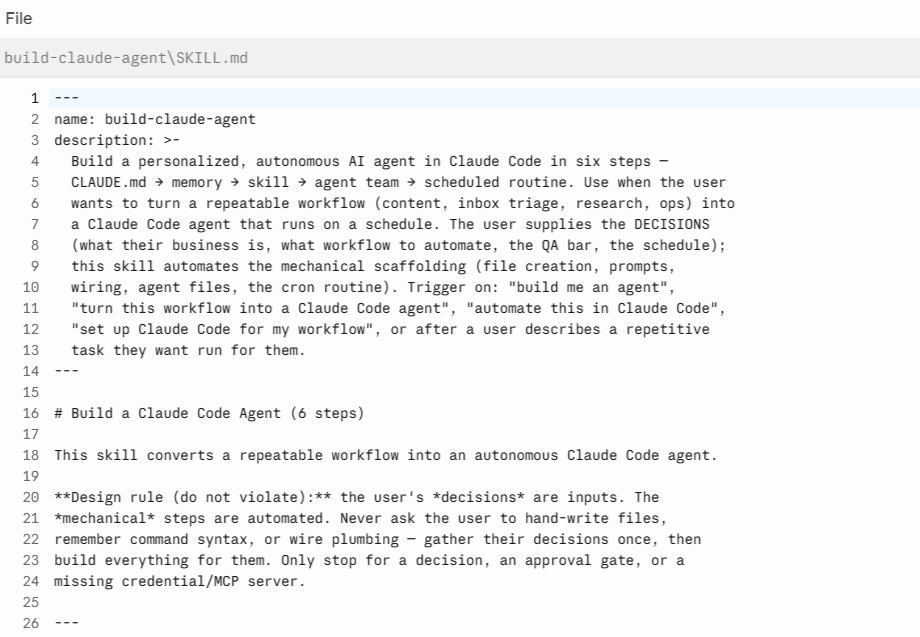
I tested this on one of my own videos. It pulled the workflow I demonstrate on screen and turned it into a skill that runs the same process on a fresh topic. Readers can build that skill straight from the video and keep my method, instead of re-watching it every time they need it.
That is the part I like. You stop being a viewer of the workflow and start being an owner of it.
Use this when: a creator shows you a process you want to run more than once.
The limitation: the skill copies the steps, not the judgement. It will run the process. It will not know when the process is the wrong call. You still make that decision.
Bonus #2 → Clone yourself, then publish
Mode 1 clones the mentor. Mode 2 clones the workflow. There is a third clone, and it is the one that turns all of this into reach. You clone your own voice.
Look at what you are holding now. A notebook full of advisor thinking, and an audit full of insight about your own business. That is a month of content sitting in a folder. The audit told you to grow the audience you own. Content is how you do it. The only thing between the folder and the feed is the writing, and the writing is the slow part.
That is the job Stanley does. It learns your voice from your existing posts, your vocabulary, your structure, your rhythm. Then you hand it raw material and it drafts the post in your voice, not generic AI filler. You edit 20 percent instead of rewriting 80.

So the bonus move is simple. Take what your board said, or what the audit found, paste it into Stanley, and let it draft the LinkedIn post that summarises it. The thinking is yours. The voice is yours. Stanley does the typing.
Paste the notebook → draft in your voice → publish
I ran it on this exact issue. One paste, one draft, a post about cloning your advisors, written the way I write. Try Stanley free for 14 days
What this does not solve
Garbage sources give garbage advice. The advisor is only as good as the material you load. Load three random clips and you get three random opinions.
A skill is a snapshot. When a creator updates their process, your skill does not. You refresh it.
And the setup is an afternoon, not five minutes. Loading 300 episodes took time. Connecting the tools took a few goes.
You still own every editorial call. The advisor advises. The skill executes. You decide.
Pick one creator this week. Build the mentor and build the skill from the same person. Watch what they tell you to fix, then build the tool that fixes it.
Stay curious, stay human, and stop shipping the default.
— Charlie
P.S. Who would you clone first? Reply and tell me the one advisor you would put in the notebook.
Ways we can work together
Become a Paid Subscriber: Get full access to every past issue of MarTech AI and support future ones.
Claude Content Engine: The Claude engine behind 350k+ followers (across socials) and 100 million impressions a year.
Another great article with lots of practical advice for AI practitioners!
I’ve been using a similar approach with a small twist. I use a “summarizer” skill to extract the key knowledge of my notebook and turn it into a skill.
For instance, I summarized sugarman book on copywriting and created a skill to score posts vs his methodology and run a small self-improvement loop.
It’s much more targeted and efficient at applying the one technique from the book (I read) that I need. And it saves tokens 😉
🤩